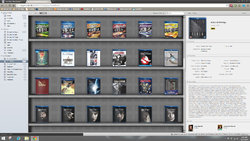
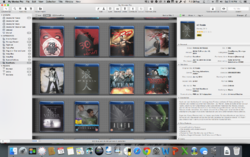
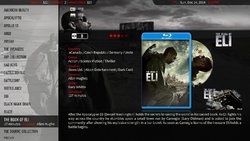
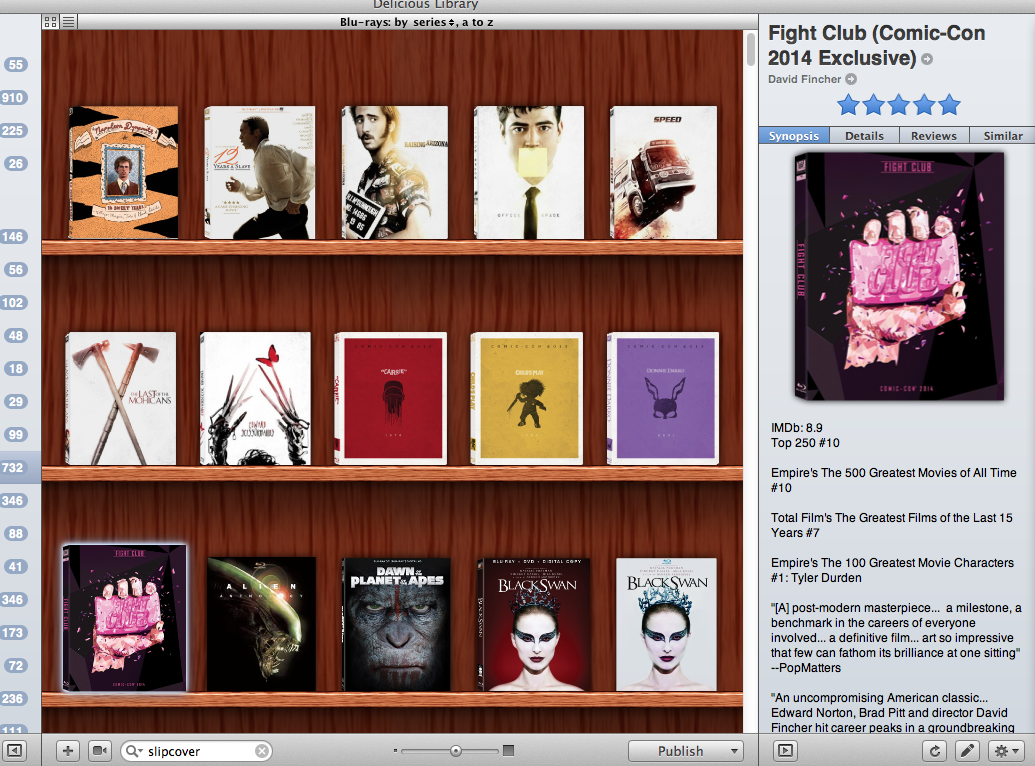
This particular thread is to showcase new and recent additions to your collection and showcasing your entire collection.
In order to allow for smooth scrolling and loading, on multiple types of devices, we're asking our community to work with us to do the following:
Note:
This thread is for your last movie SteelBook. If it's another kind please use the proper thread below:
In order to allow for smooth scrolling and loading, on multiple types of devices, we're asking our community to work with us to do the following:
1. Please try and resize your pictures prior to posting them as it helps the loading times for you and your fellow collectors.
2. You might want to consider posting your pics in the dedicated media section found HERE where you will be able to take advantage of the amount of filters, resizing, and other features if you use that interface.
3. Please use spoiler tags when posting more than one picture of the same steelbook.
4. If you receive more than one steelbook, please take a group shot, not a picture from every single steel.
5. If you receive more than a single copy of one steel, post pictures of a SINGLE copy please. If they are for a group buy, then those pictures should be posted in the group buy thread and NOT in this thread.
6. If you wish to show multiple steelbooks from different angles, please use spoiler tags.
2. You might want to consider posting your pics in the dedicated media section found HERE where you will be able to take advantage of the amount of filters, resizing, and other features if you use that interface.
3. Please use spoiler tags when posting more than one picture of the same steelbook.
4. If you receive more than one steelbook, please take a group shot, not a picture from every single steel.
5. If you receive more than a single copy of one steel, post pictures of a SINGLE copy please. If they are for a group buy, then those pictures should be posted in the group buy thread and NOT in this thread.
6. If you wish to show multiple steelbooks from different angles, please use spoiler tags.
Note:
This thread is for your last movie SteelBook. If it's another kind please use the proper thread below:
Last Viva Metal Box You Purchased?
Last Ironpack/MetalPak/Tin You Purchased?
Last Video game SteelBook Acquired?
Last Blu-ray Special Edition Purchased?
Last Ironpack/MetalPak/Tin You Purchased?
Last Video game SteelBook Acquired?
Last Blu-ray Special Edition Purchased?
Attachments
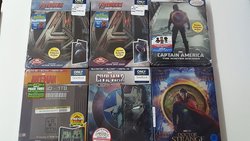
Last edited by a moderator:





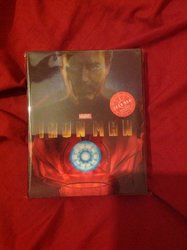
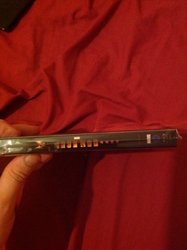
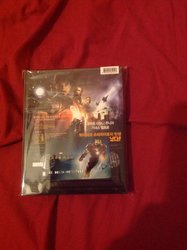
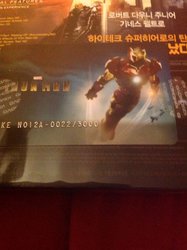


 nice collection