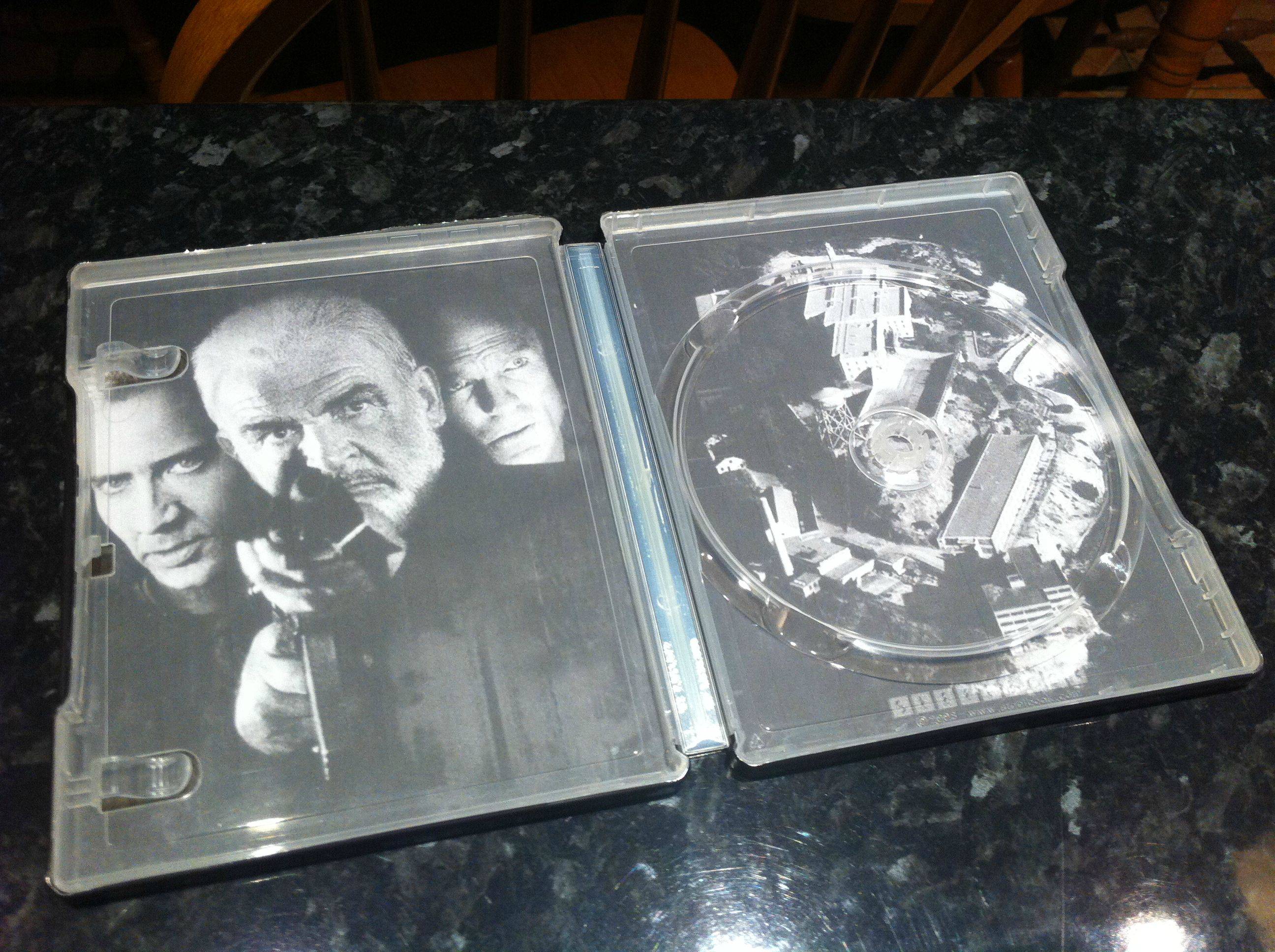
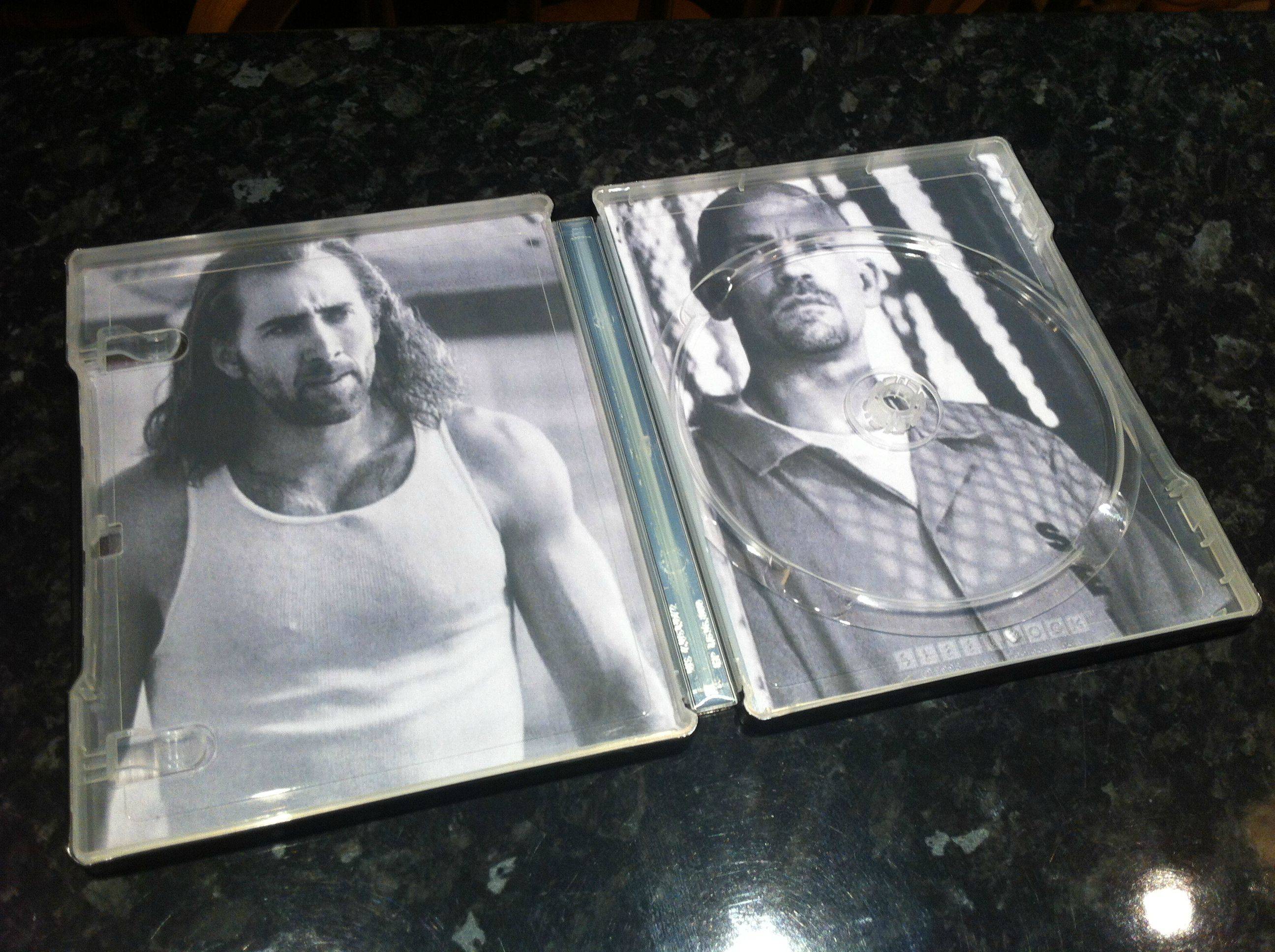
Modifying SteelBooks

Feb 17, 2010
42
Share how you modify your Steelbooks here.

diy1.png
 
Last edited by a moderator:
[/B]

Ok, Just curious about what is the difference?
Modifying is for changing out real steelbooks that you own; like including interior art and/or spine art.

Custom is for designing steelbooks of your favorite movies that doesn't have one in real life with images and such.

I wish the threads would be made a bit clearer as well. Both threads have a similar image used as their icons and both names are pretty much the same.

I say change "Custom Steelbooks" to "Design Your Own Steelbook" or "Custom Steelbook Designs" just to be a bit clearer
 
  • Like
Reactions: Snollygoster
Modifying is for changing out real steelbooks that you own; like including interior art and/or spine art.

Custom is for designing steelbooks of your favorite movies that doesn't have one in real life with images and such.

I wish the threads would be made a bit clearer as well. Both threads have a similar image used as their icons and both names are pretty much the same.

I say change "Custom Steelbooks" to "Design Your Own Steelbook" or "Custom Steelbook Designs" just to be a bit clearer

Good idea, someone seems to have already beat me to editing that other thread title. thanks IoE
 
  • Like
Reactions: Snollygoster
Modifying is for changing out real steelbooks that you own; like including interior art and/or spine art.

Custom is for designing steelbooks of your favorite movies that doesn't have one in real life with images and such.

I wish the threads would be made a bit clearer as well. Both threads have a similar image used as their icons and both names are pretty much the same.

I say change "Custom Steelbooks" to "Design Your Own Steelbook" or "Custom Steelbook Designs" just to be a bit clearer


Thanks, sorry for the misunderstanding ;)
 
Converted my Matrix single disc to a triple to make it the trilogy and also slimmed my jumbo Up.

Pretty easy if you take your time.

Just need to try adding art to a few now.
 
Last edited:
it's a 4 disc case (like Alien of play.com) so Crystal Skull is in

the bonus disc is in a plastic wrap in a closet, but honestly I don't care about bonus disc, I never watch them :D
 
Thought I'd share my pics of my recent conversion of the Indiana Jones Jumbo SB down to the slimmer version - ALL 5 discs also fit in the case!
Hope you don't mind, I've edited your post so that your images show properly.

GOOD JOB on the slimming! Do you mind sharing your spine art so that other can try to copy your awesome work?

Also, how does 5 disc fit inside this??? Thought there was only a max of 4 slots?
 
Amazing job, Zesty! Wow! now those steelbooks look great!

Revival time thanks to Disney ;)

picture.php


picture.php


picture.php


picture.php


---------- Post added at 11:23 AM ---------- Previous post was at 11:22 AM ----------

Now I want an slim Indiana Jones too!! Amazing guys! Thanks for the inspiration! great work!


Thought I'd share my pics of my recent conversion of the Indiana Jones Jumbo SB down to the slimmer version - ALL 5 discs also fit in the case!

attachment.php

attachment.php

attachment.php


Original post:
 
Last edited by a moderator:
  • Like
Reactions: lgans316 and zesty
Hope you don't mind, I've edited your post so that your images show properly.

GOOD JOB on the slimming! Do you mind sharing your spine art so that other can try to copy your awesome work?

Also, how does 5 disc fit inside this??? Thought there was only a max of 4 slots?

Thanks Drum. I shall be converting the spine to a jpeg image shortly so will let you know. I used a 4-disc inner case and the 5th disc snaps over the 4th quite well and the case closes perfectly.
 
  • Like
Reactions: Drum18
Swapping the front and back covers

Hi all,

Not sure if this is the right place and wasnt sure what to search for to see if its been covered before, but how easy is it to break a steelbook apart to swap the front and back?

I have two 2012 steelbooks i bought that were supposedly mint but one has a crap front the other a crap back so i wanna make a good version of rather than buying another one!

Any advice on how to do this as i dont want to break them.

Thanks
 
its very easy mate the trick is do not try prying opening/popping off the shell (front or back) from the side.

Take a small plastic card like a drivers license, credit card, store card etc. I use a store card which is a bit thinner then a credit card. Then just stick it in between at top or bottom then pop off .... not the sides ... once you got top or bottom popped off you can just move the card around the edges and it just pops right off very easily.