A seemingly simple question.
I set up a template in Gimp 2.6 graphics program
I downloaded the artwork
I loaded artwork into Gimp and cropped and sized it to fit the template
I printed the artwork onto Glossy Photo paper with my Canon printer
I cut out the three pieces of artwork (left, right and spine)
I removed the front and back casing
I held spine of SteelBook in simmering water for 5 minutes to soften the glue
I gently removed the spine using a guitar pick in a sawing motion
I removed the glue residue from spine and plastic casing
I put inside left and right artwork into metal casings
I fixed the spine art to the spine using double-sided tape
ARE YOU STILL WITH ME? Good, then I'll continue
I ran a glue stick along the spine art and also the spine area of the plastic
I fixed spine back onto plastic insert
I then reattached metal casings to plastic insert
I left SteelBook resting on its spine for 15 minutes to dry glue.
15 minutes later. DONE
EASY, PEASY
That really is what I had to do, and trust me, you need a bit of practice on an old SteelBook until you attack a new one. Cheers


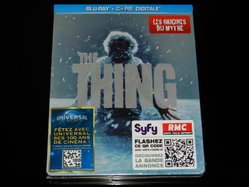
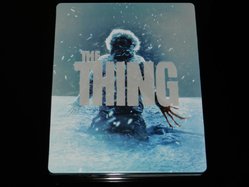
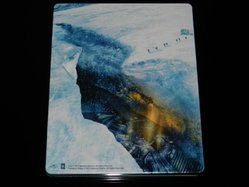
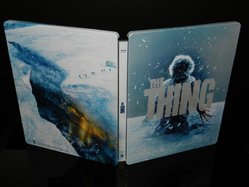
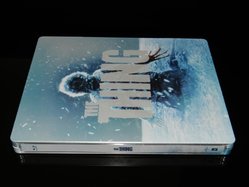
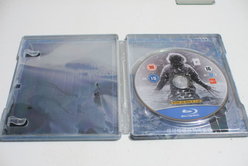



 for anybody ordering when the restock comes in. You do feel that it's only a matter of time before somebody is disappointed.


